Update Settings Window
In this window you can change your Handy Password update settings.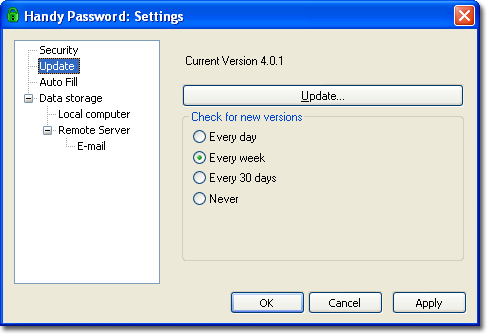
It has the following elements:
- The "Update" button - Using this button you can manually check whether a new version of Handy Password manager is available and update it if needed.
- To define the update period, please check the "Check for new version every.." radio button group.
- If you select "Never", Handy Password will not check for a new version automatically.
AutoFill: Saving and Filling Forms Automatically
 |  |  |


















